

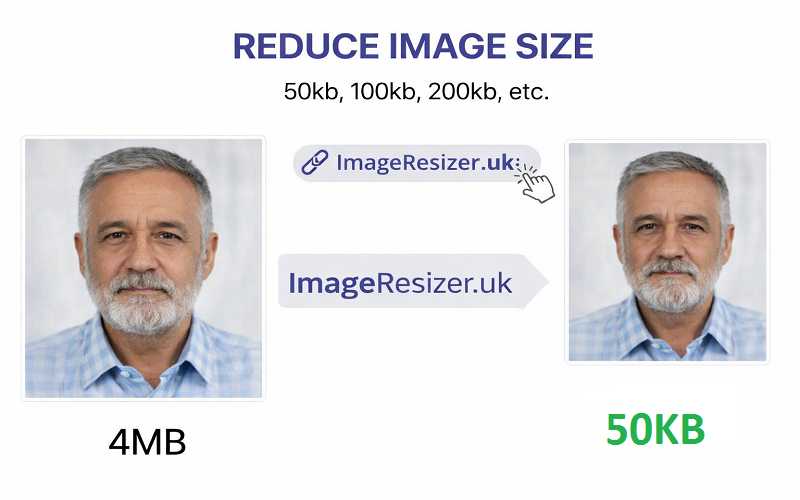
Reducing image size shouldn’t be confusing or expensive. With imageresizer.uk, you can quickly reduce image size in KB online for free, directly in your browser. No sign-up, no uploads to servers just simple controls that help you get the exact file size you need.
Reduce Image Size in KB
Compress image to your desired size without quality loss.
Why Reduce Image Size in KB?
Large image files can slow down websites, fail upload limits, or take longer to share. Reducing image size in KB helps you:
- Upload images on forms with strict size limits
- Speed up website loading time
- Save storage space
- Share images easily on email and messaging apps
Our tool is designed for people who want control, not complicated software.
How This Tool Works
This tool helps you reduce your image size in KB using smart compression and resizing. Just choose your image, enter the size you want, adjust quality if needed, and download the result. Everything works inside your browser, so your image stays private.
Key Features at a Glance
| Feature | Description |
|---|---|
| 100% Free | No payment, no watermark |
| Browser-Based | No uploads, no server storage |
| Target Size Control | Choose exact KB size |
| Quality Slider | Balance clarity and file size |
| Resize Options | Scale image dimensions easily |
| Fast Preview | See result before download |
Step-by-Step: How to Use the Tool
| Step | What to Do |
|---|---|
| 1 | Click Select Image and choose your file |
| 2 | Enter your desired size in KB |
| 3 | Adjust Quality using the slider |
| 4 | Optionally resize (75%, 50%, 25%) |
| 5 | Click Reduce Image Size |
| 6 | Preview and download the image |
Quality & Resize Options Explained
Quality Slider
- Higher quality = clearer image, larger file
- Lower quality = smaller file, slightly less detail
The tool automatically fine-tunes compression to get close to your target KB size.
Resize Dimensions
Resizing reduces image width and height, which dramatically lowers file size. This is useful when compression alone isn’t enough.
| Resize Option | Best For |
|---|---|
| Original Size | High-quality photos |
| 75% | Social media uploads |
| 50% | Website images |
| 25% | Thumbnails & previews |
Who Is This Tool For?
This tool is perfect for:
- Website owners & bloggers
- Students uploading assignments
- Job applicants submitting documents
- Designers needing fast optimization
- Anyone facing image size limits
No technical knowledge required.
Privacy & Security
Your images never leave your device. All processing happens inside your browser, which means:
- No image storage
- No data tracking
- Complete privacy
Supported Image Types
| Format | Supported |
|---|---|
| JPG / JPEG | ✅ Yes |
| PNG | ✅ Yes |
| Web Images | ✅ Yes |
| HEIC | ❌ Not yet |
Why Use imageresizer.uk?
Because it keeps things simple. You choose the file size, adjust the quality, and resize the image your way. There are no ads, no sign-ups, and no waiting around. It’s quick, clean, and built for people who just want results. Scroll up and try the Reduce Image Size in KB tool to get perfectly optimized images in seconds free, private, and easy.


